
Should You Use AI To Create Your Logo?
TL;DR: The Short Answer is “Proceed with Caution
If you’re thinking about using AI for your business logo, here’s our take:
- You Can’t Own It: A 2026 Supreme Court ruling (Thaler v. Perlmutter) says that AI-generated art cannot be copyrighted. This means you won’t have legal protection if a competitor copies you.
- It’s a Printing Nightmare: AI designs are often too complicated for embroidery or screen printing. What looks great on a phone screen becomes a blurry mess on a hat or hoodie.
- Simple Always Wins: Some of the world’s biggest brands use simple, 1- or 2-color designs for a reason. AI tends to “over-design” which makes it harder (and more expensive) to reproduce.
Lately we’ve been seeing a huge surge of AI-generated logos coming through the shop. I get it, it’s fast, it’s cheap, and some of the designs look pretty slick on a high resolution screen. But as someone who has to actually apply those logos to hats, shirts, and signs, I’m seeing some major red flags that you need to know about before you go all-in on AI generated branding for your business.
There are two big reasons why you shouldn’t use AI to create your logo:
1. You Won’t Actually Own It (Legally)
This is a big one. Most people think that because they typed the prompt, they own the result.
The U.S. Supreme Court recently cleared the air on this. By declining to hear the appeal of a lower court ruling in Thaler v. Perlmutter, the Supreme Court let stand the precedent that AI-generated art cannot be copyrighted.
To get a trademark or copyright, there has to be a human author. Since AI is technically not human, the law says that the work belongs in the public domain. That means anyone (even one of your competitors) could take your logo and use it,, and you’d have almost no legal ground to stop them.
The bottom line is, if you can’t protect your brand, you don’t really have a brand in the first place.
2. It Looks Great on Screen, but Fails on Fabric
Here’s the other problem with AI generated logos. This one is more practical, if you’re needing to put your logo onto clothing. If you’ve ever seen AI art you know that AI tools love extra details. It’ll make a great looking logo but with lots of colors, tiny gradients and small details that look like a digital painting.
Here’s why that makes it difficult to translate into company swag:
The Embroidery Nightmare: If your logo has 47 small overlapping lines and 10 different shades of blue, we can’t embroider it. Embroidery threads aren’t pixels. We have to simplify the design, which means your “cool” logo ends up being a blurry mess on a hat or polo.
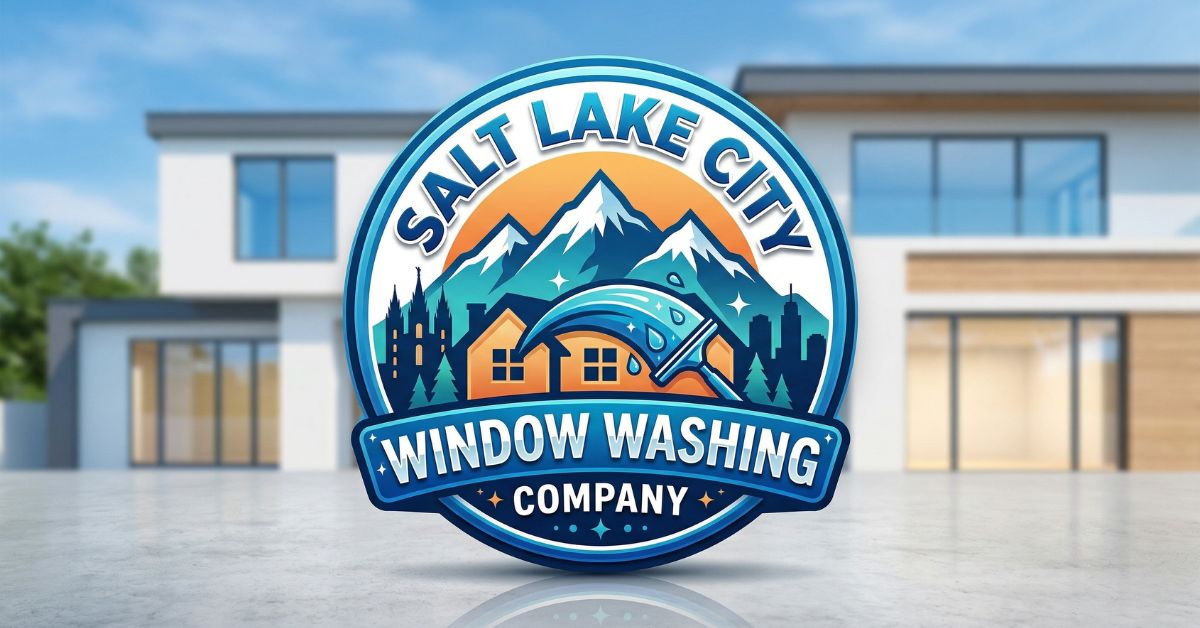
In this example above I created a really great looking logo just by giving Gemini a simple prompt. However, this logo would be nearly impossible to embroider on shirts or hats, and would also be very difficult to scale down to a small size and still have it readable.
The Cost Factor: Complex logos limit you to DTF (Direct to Film) or DTG (Direct to Garment). Those are fine for small batches, but when you’re ready to scale up to large runs, you’ll want screen printing. Screen printing a 12-color AI logo is a lot more expensive compared to a classic, clean 1- or 2-color design.
The “Production-Ready” Branding Checklist
Here’s what actually works. When you think of your favorite brands, here’s what they likely do:
Tip 1: Make Multiple Logo Variations
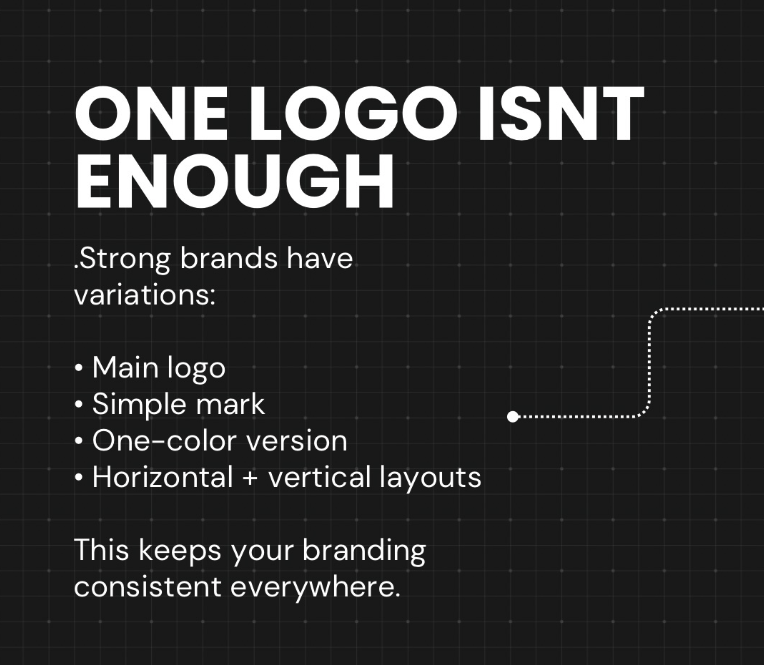
Strong brand have multiple logos that service different purposes:
- Main logo: For primary placement.
- Simple mark: For small icons.
- One-color version: For screen printing or engraving.
- Horizontal + vertical layouts: To fit any space.
Tip 2: Logos That Work At Any Size
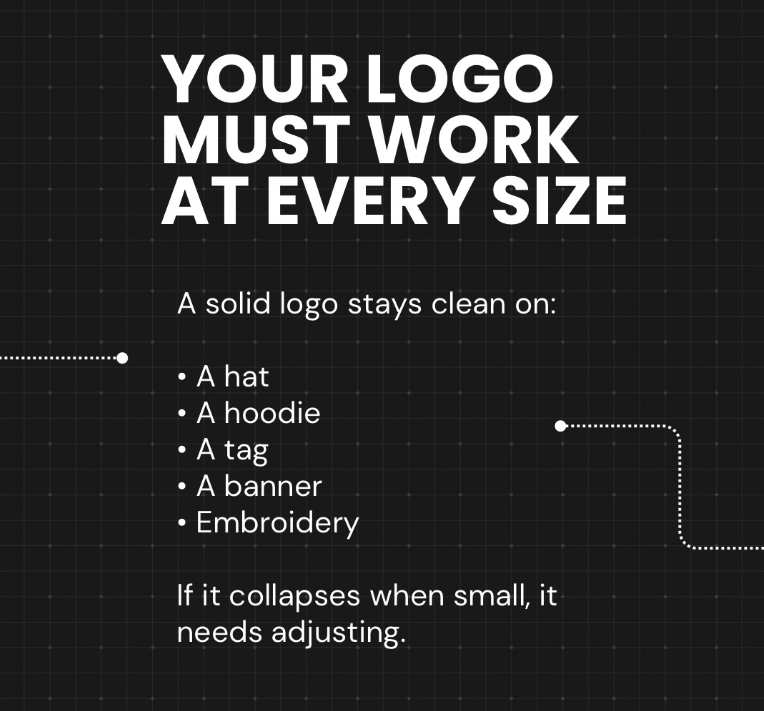
One of my favorite tips is called the “squint test”. Look at your logo while squinting your eyes- can you still see what it is?
If your logo becomes a blurry mess, it’s not going to work as a social media icon or embroidered on a shirt.
Tip 3: Avoid Trends
AI tools sometimes generate artwork based on what’s currently trendy. We’ve found that timeliness is always more valuable than being trendy. Choose your font, shapes and layouts that will be recognizable and easy to identify for years to come, not just this quarter.
Tip 4: Simple Logos Always Win
AI designs are almost always complex, with thin lines, tiny shapes, shadows, gradients and effects that won’t translate into a physical item. That’s why we recommend spending money on getting a simple logo created by a human.
Let JC Pro Design help you build a brand that lasts
Don’t stake your business on an AI generated brand that you don’t legally own and can’t print efficiently. You can use AI tools for brainstorming, but when it’s time to finalize your brand identity, partner with human designers who understand both the legal process and real world production constraints.